CASH CONTROL WEB EDITION

See Your Money. Control Your Future.

Total Income
$0.00
Total Expenses
$0.00
Net Cash Flow
$0.00
Current Balance
$0.00

Add Income

Current month

Add Expense

Current month

Recurring Schedules

0 items
Type Description Account Frequency Amount Start Actions

Cash Flow Register

0 records
Date Type Description Account Amount Actions

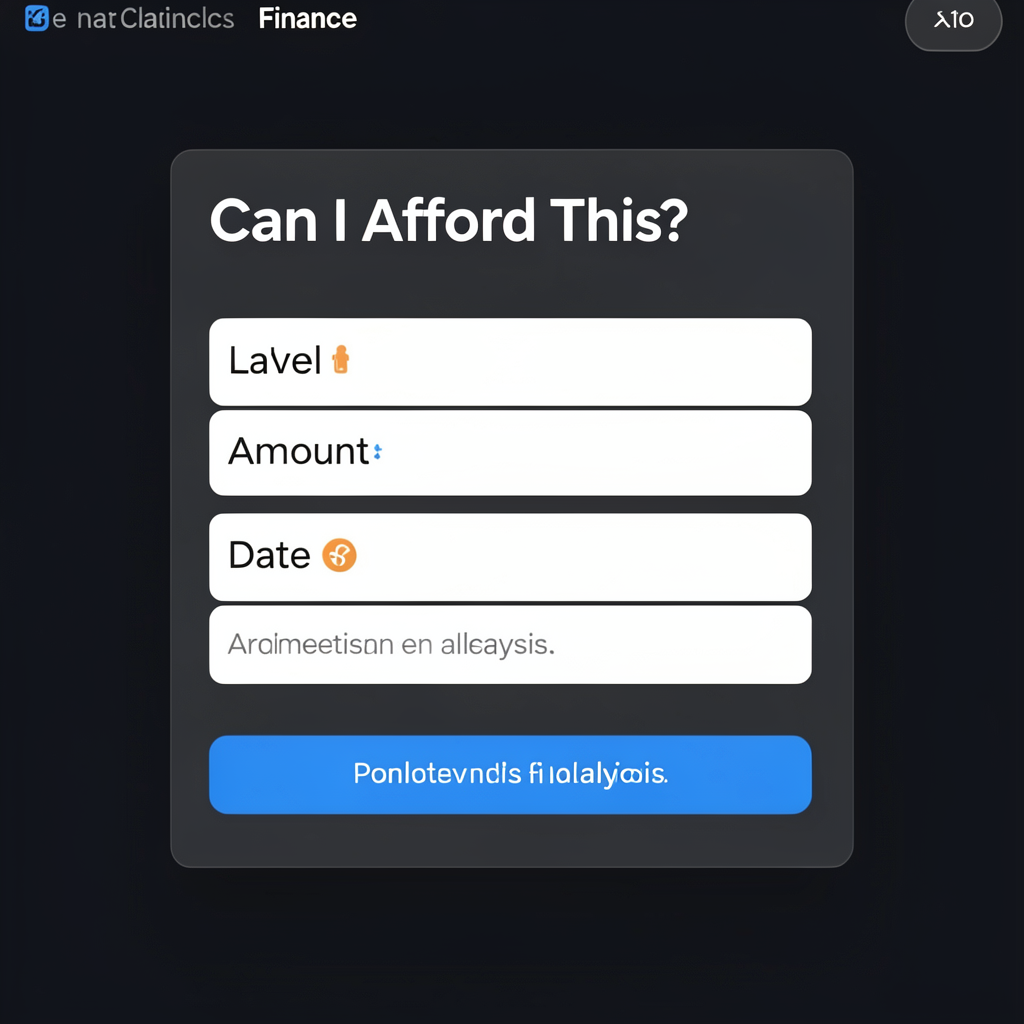
Can I Afford This?

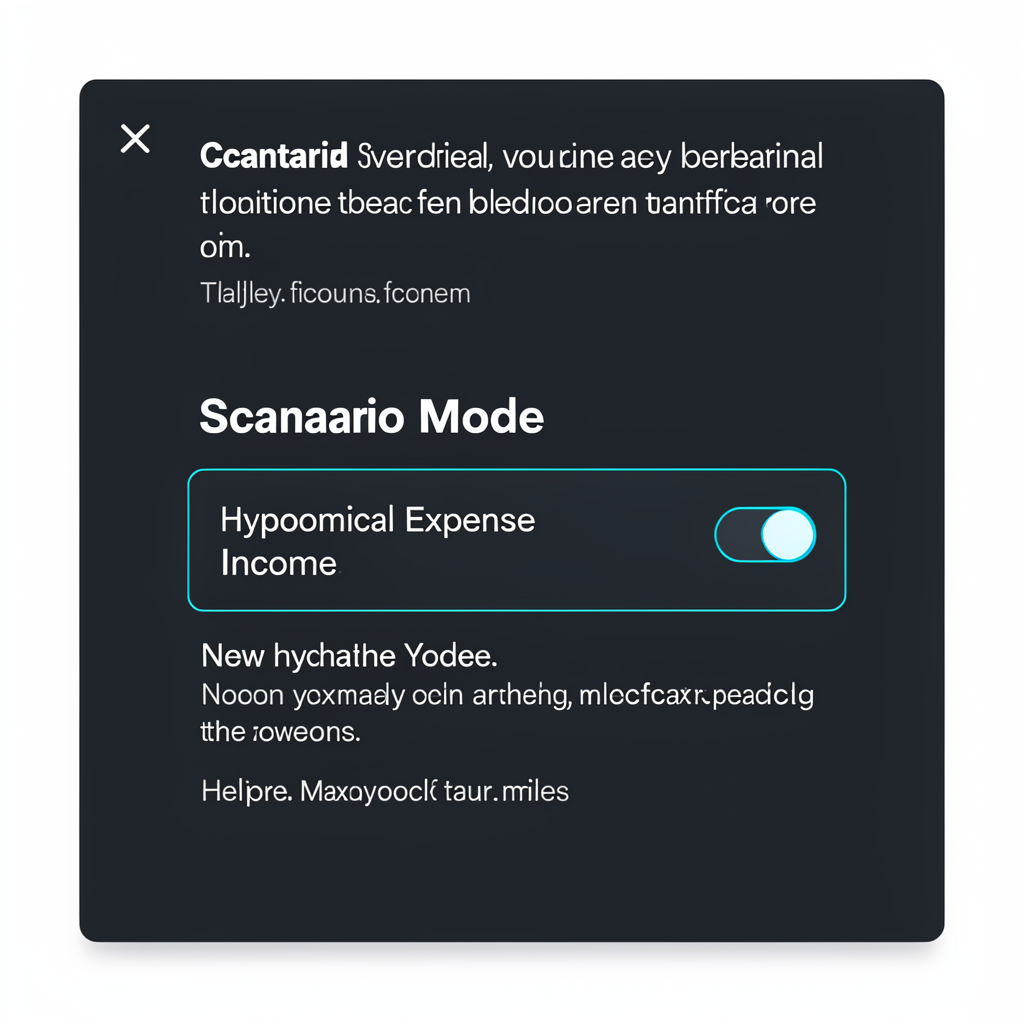
Scenario: Quick Add

Only affects projections
Toggle Scenario Mode to include or exclude in calculations.

Web Edition Highlights

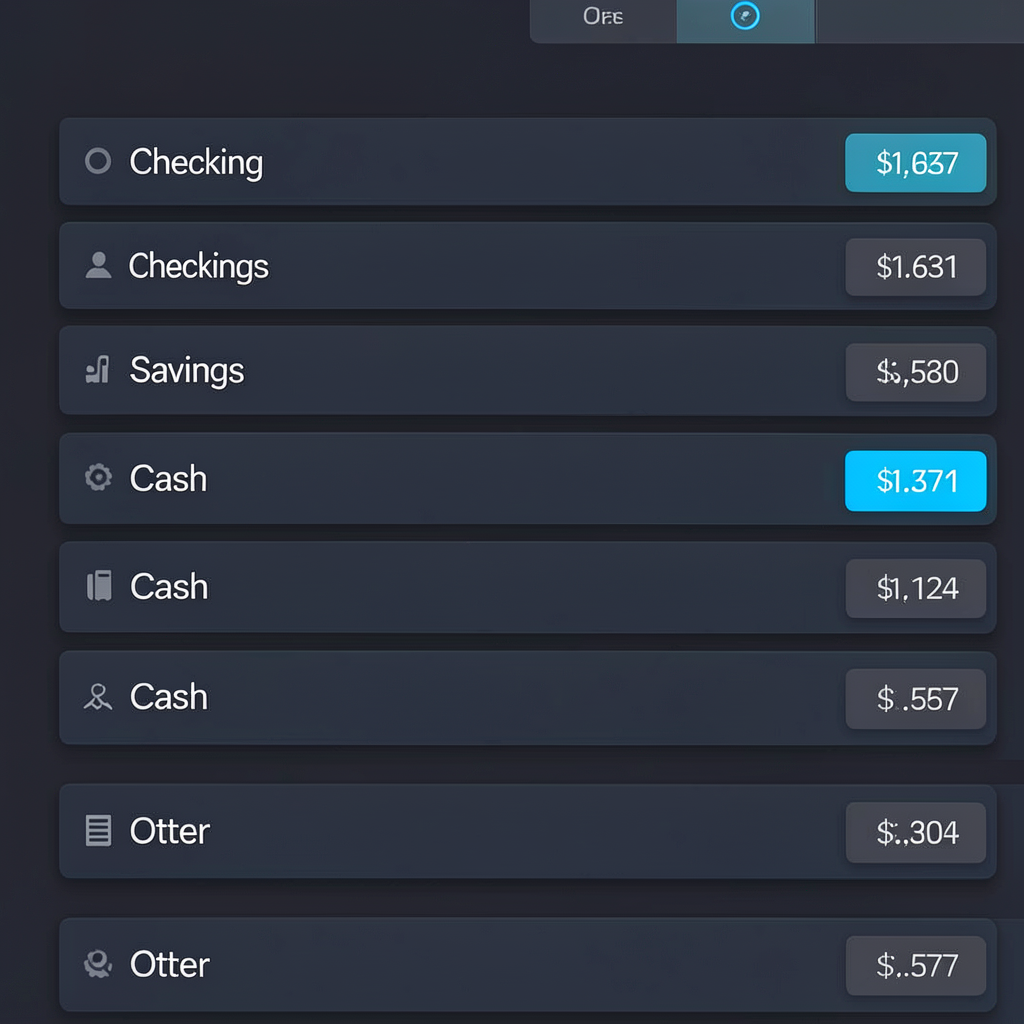
Accounts UI snippet
Account Management
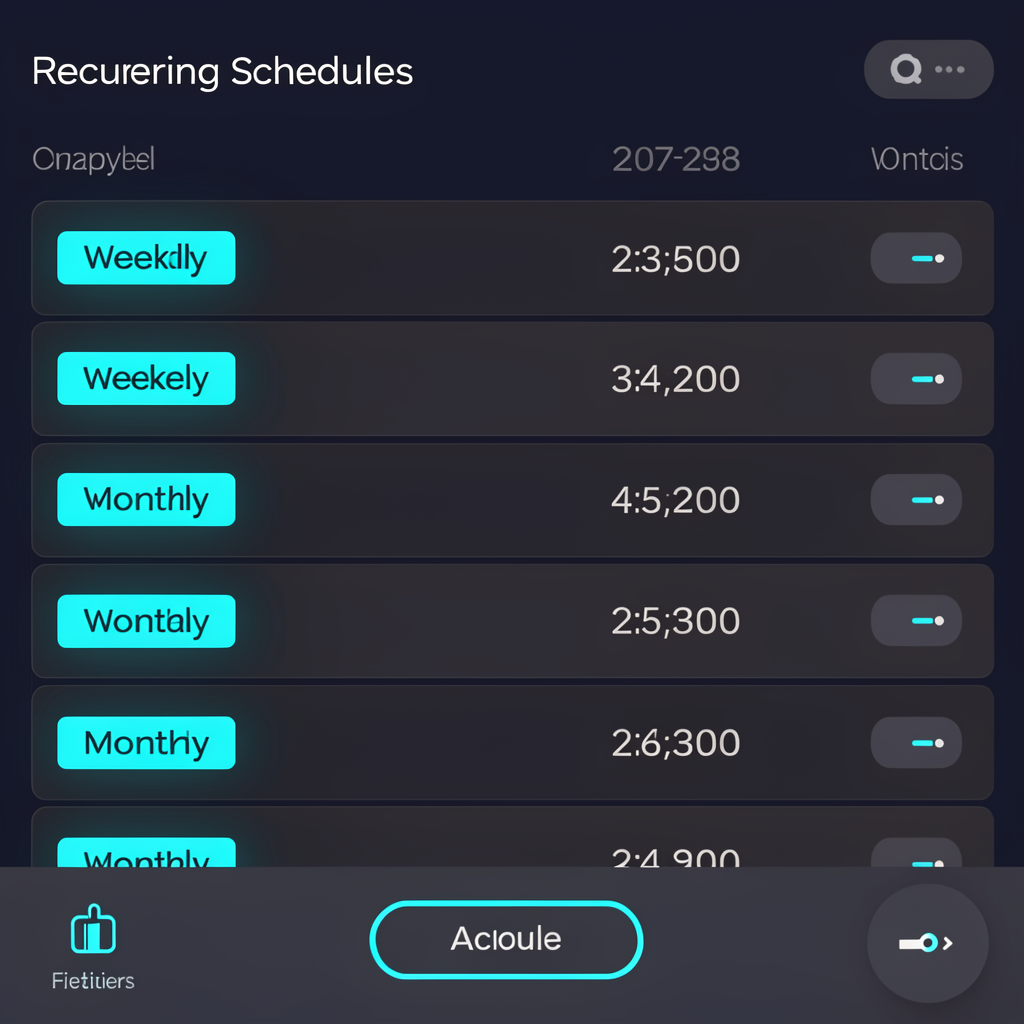
Recurring schedules UI snippet
Recurring Schedules
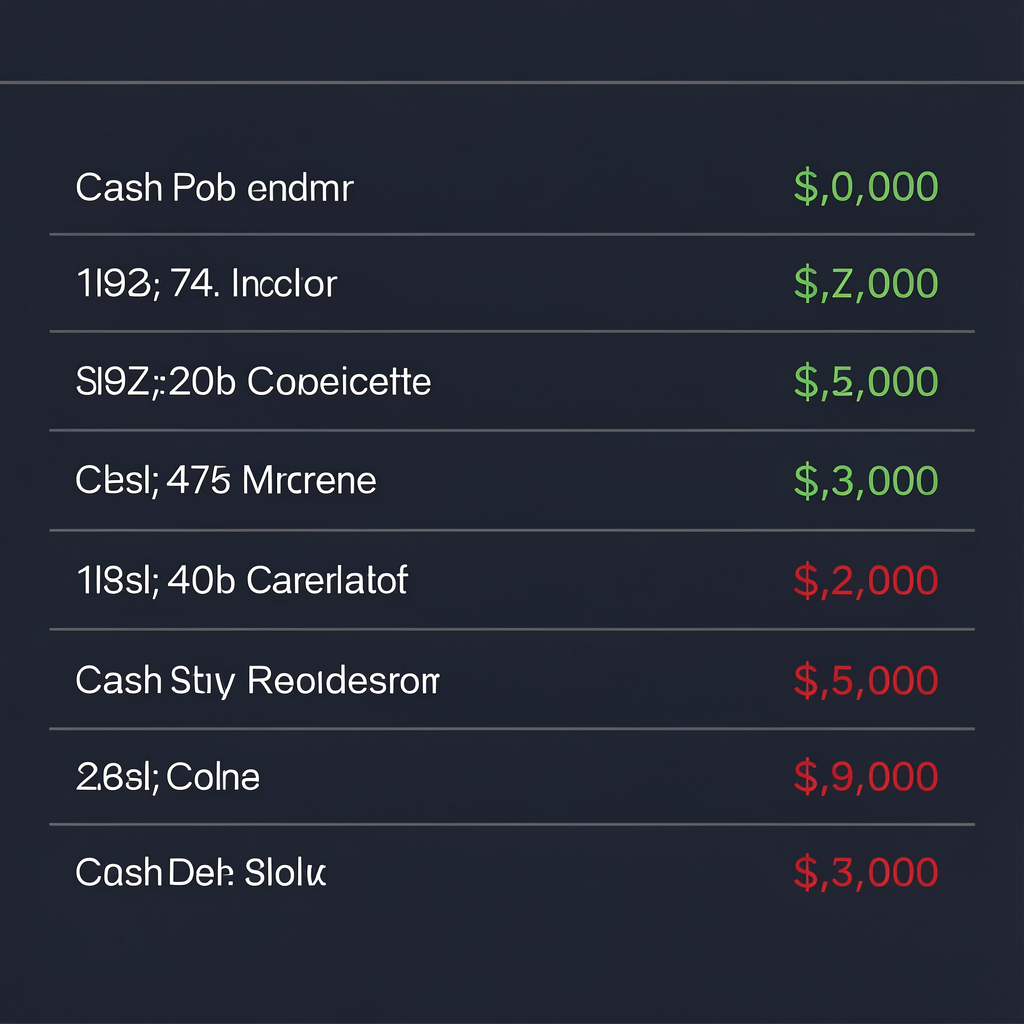
Register UI snippet
Cash Flow Register
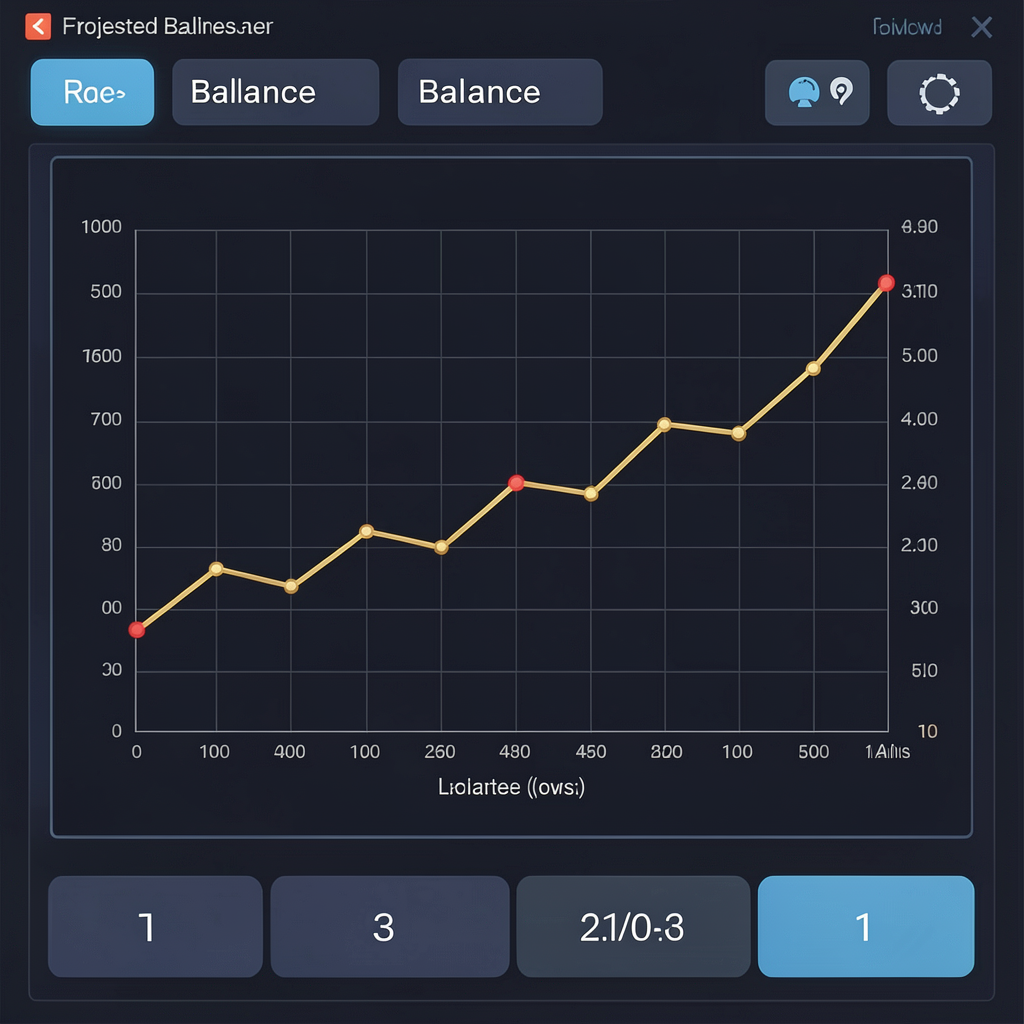
Projected balance chart UI snippet
Projected Balance
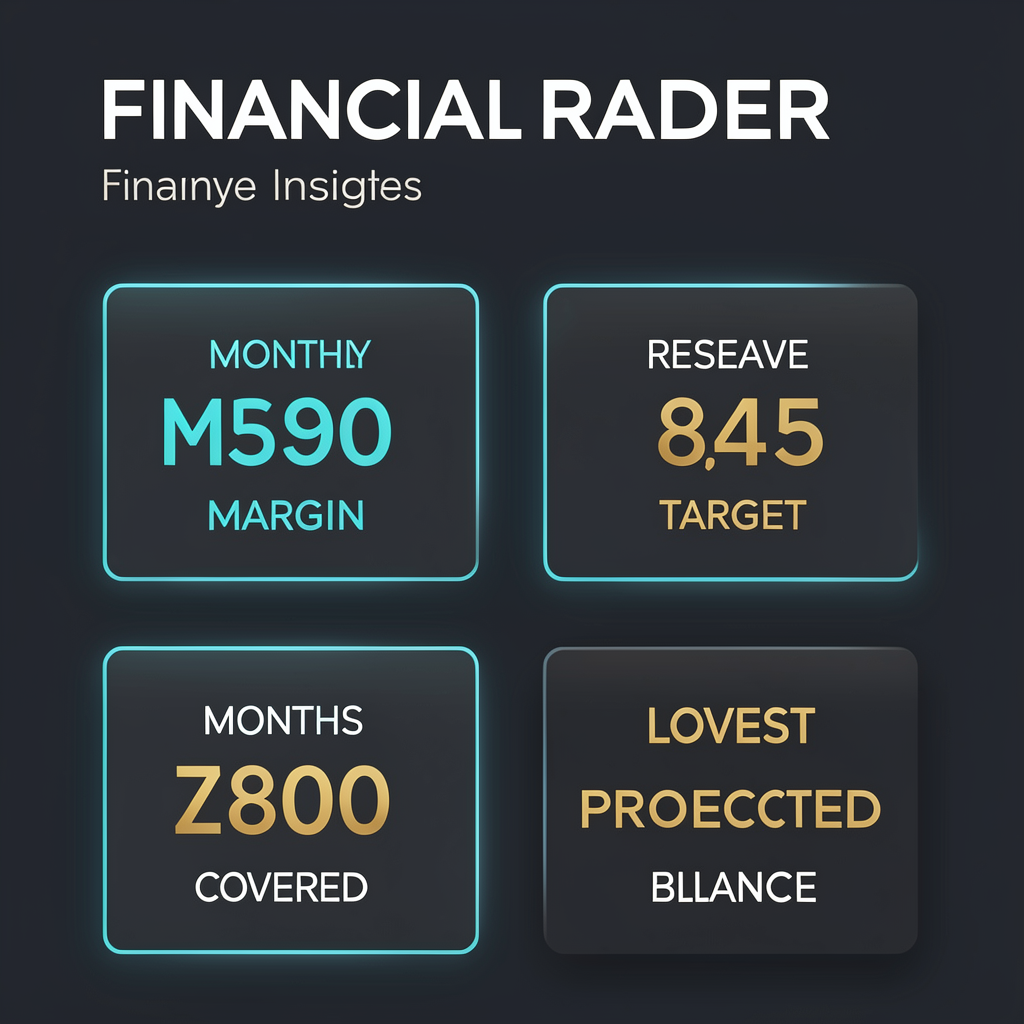
Financial radar UI snippet
Financial Radar
Scenario mode UI snippet
Scenario Mode
Affordability calculator UI snippet
Can I Afford This?
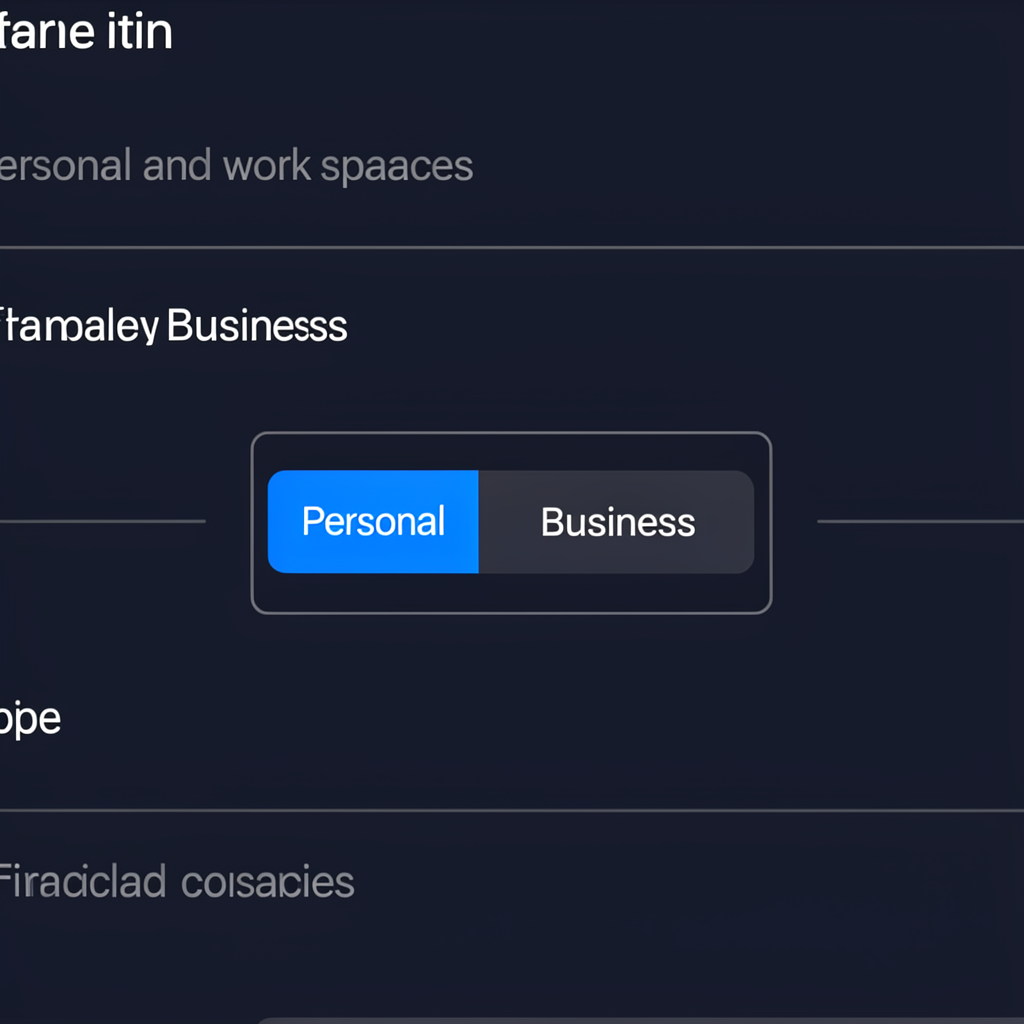
Workspace toggle UI snippet
Personal / Business

Responsiveness & Data Legibility

Reflows 4 → 2 → 1 columns
Total Income
$18,240.00
Total Expenses
$12,410.28
Net Cash Flow
$5,829.72
Current Balance
$24,550.19
Side panels become overlay drawers on small screens

Why Cash Control

Cash Control is a personal financial administration and cash‑flow management tool for people who want a clear picture of their income, expenses, accounts, recurring obligations, available cash, and future cash flow—without linking bank credentials. It provides a calm command‑center environment for entering numbers, seeing trends, and making decisions with confidence. You keep control of the data you enter and gain a focused, legible view of what matters: cash in, cash out, today’s balances, and what’s projected to happen next.

Private by Design

Cash Control works with financial information that you enter. No bank login is required. The Web Edition stores your data locally in your browser so you can explore and learn the system quickly. You can clear demo data anytime using the Load Demo button and replacing it with your own records. If you want full offline operation, persistent projects, backups, and exports, the Windows Edition is built for exactly that.

Want the Complete Offline Edition?

Cash Control for Windows is a dedicated desktop application that works offline and doesn’t require keeping a browser open.

  • Dedicated Windows application
  • Works offline
  • No subscription required
  • Full project Save/Open
  • Backup system
  • CSV export
  • Customizable workspace
  • Portable USB capability
  • User‑controlled financial data
  • No bank login required
Cash Control Windows Edition
$9.99

One‑time purchase. No subscription.

Web Edition vs. Windows Edition

Feature Free Web Edition Windows Edition — $9.99
Core dashboard and insights Included Included
Account management Included Included
Income/Expense entry Included Included
Recurring schedules Included Included
Projected balance & Financial Radar Included Enhanced detail
Scenario Mode Included (temporary) Included
Personal/Business workspaces Included Included
Complete project-file Save/Open Available in Windows Edition Included
Full backup management Available in Windows Edition Included
CSV export Available in Windows Edition Included
Dedicated Windows EXE Available in Windows Edition Included
Full offline operation Available in Windows Edition Included
Portable USB operation Available in Windows Edition Included
Persistent layout customization Available in Windows Edition Included
Future desktop‑specific features Available in Windows Edition Included

Support & FAQs

What happens when I click Load Demo?

The app fills with realistic sample accounts, transactions, and recurring schedules so you can explore. You can later overwrite these with your own records.

Does Scenario Mode change my real data?

No. Scenario entries only influence projections while Scenario Mode is enabled. Turn it off to return to your baseline.

What’s the difference between Personal and Business?

They are separate workspaces so you can segment accounts, transactions, and reports. Switch between them any time from the sidebar.

Does the Web Edition keep my data?

Data is stored locally in your browser for convenience. It may be cleared by your browser or device. For reliable long‑term storage, backups, and files, use the Windows Edition.

How do I move up to the Windows Edition?

Purchase the Windows Edition and recreate or import your data as needed. It adds Save/Open projects, backup management, CSV export, and full offline operation.

CASH CONTROL • OFFLINE FINANCIAL ADMIN • COMMAND CENTER
Copyright 2026 by MMN. Production support provided by MikeNorrisDesigns.com.
Cash Control is a personal financial administration and cash‑flow management tool. It is not banking, investment, tax, or professional accounting software and does not provide financial advice.